reMarkable Paper Pro Move review: Great for handwriting, terrible for multitasking
But perfect for people who want a device that doesn’t scream: "I’m definitely checking email while you talk."

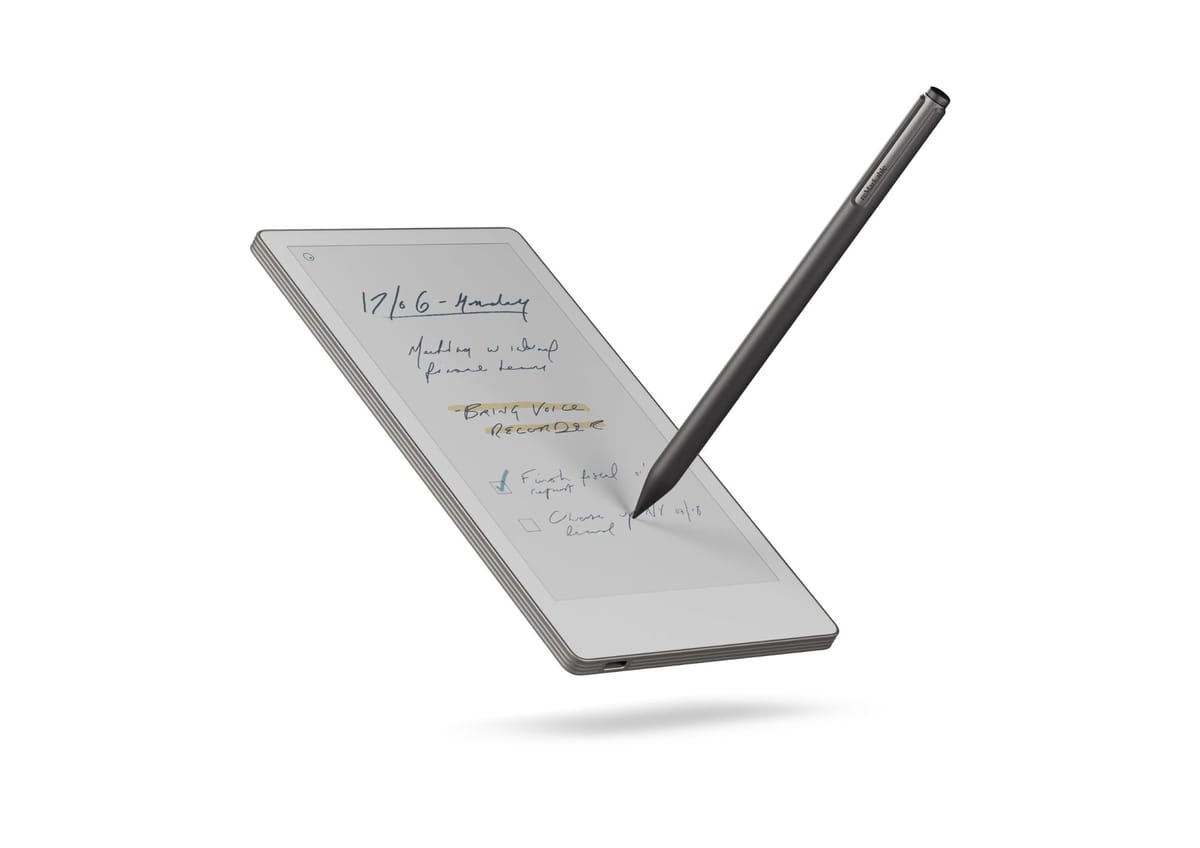
The reMarkable Paper Pro Move is a very specific kind of device. It’s a digital notebook that wants absolutely nothing to do with apps, email, browsing or productivity ‘ecosystems’.
This makes reviewing it somewhat strange. It’s hard to critique a product that proudly refuses to do 95% of what people expect from modern electronics. But here we are.
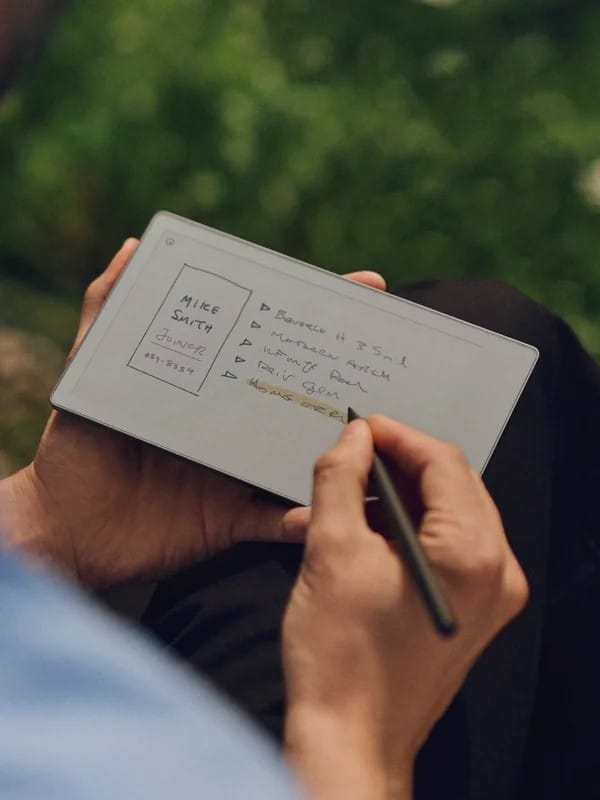
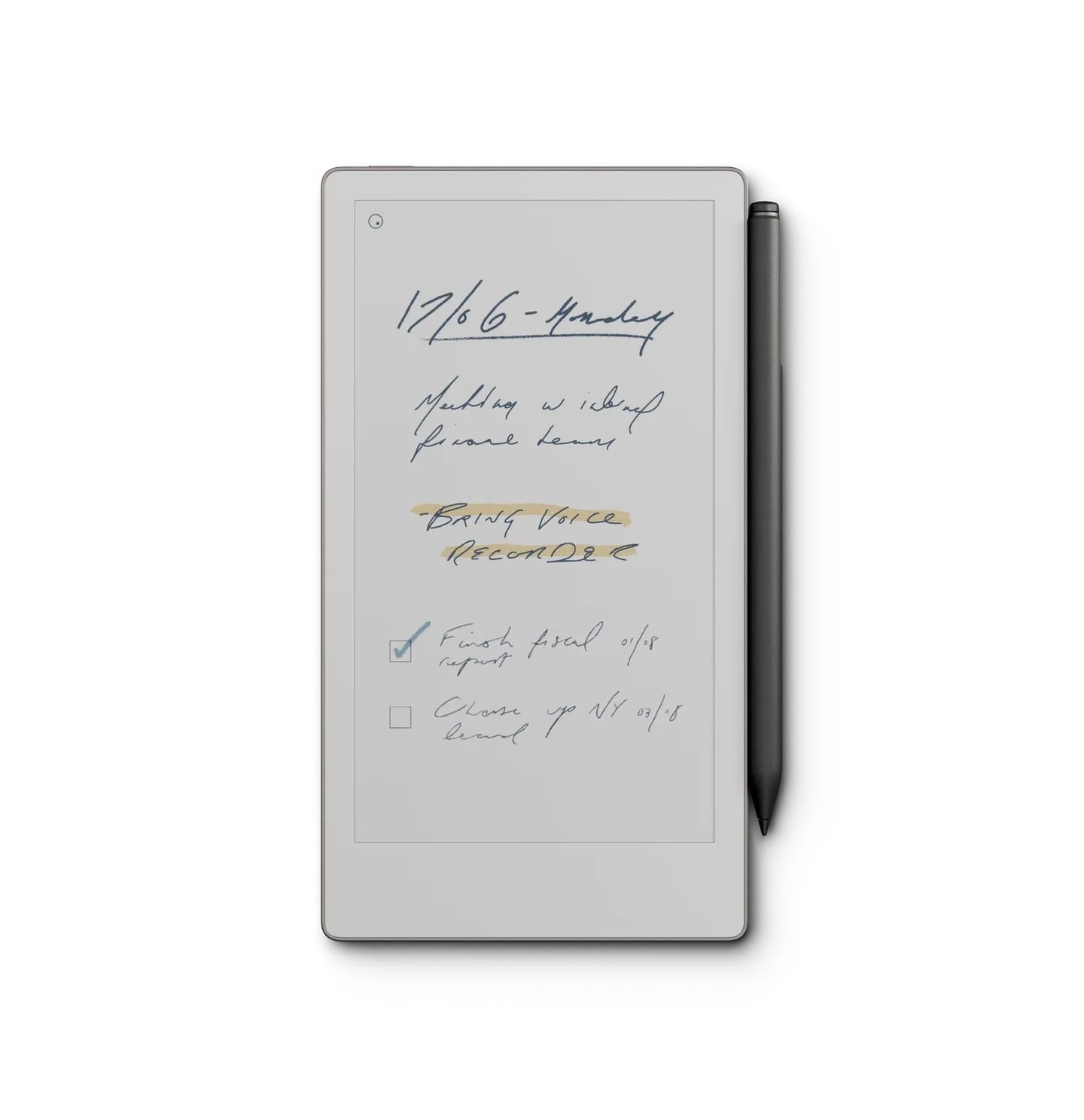
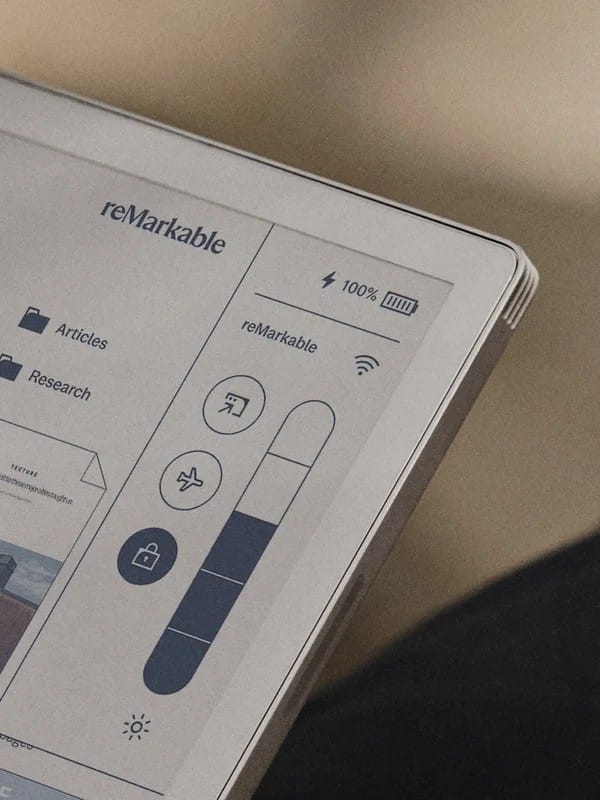
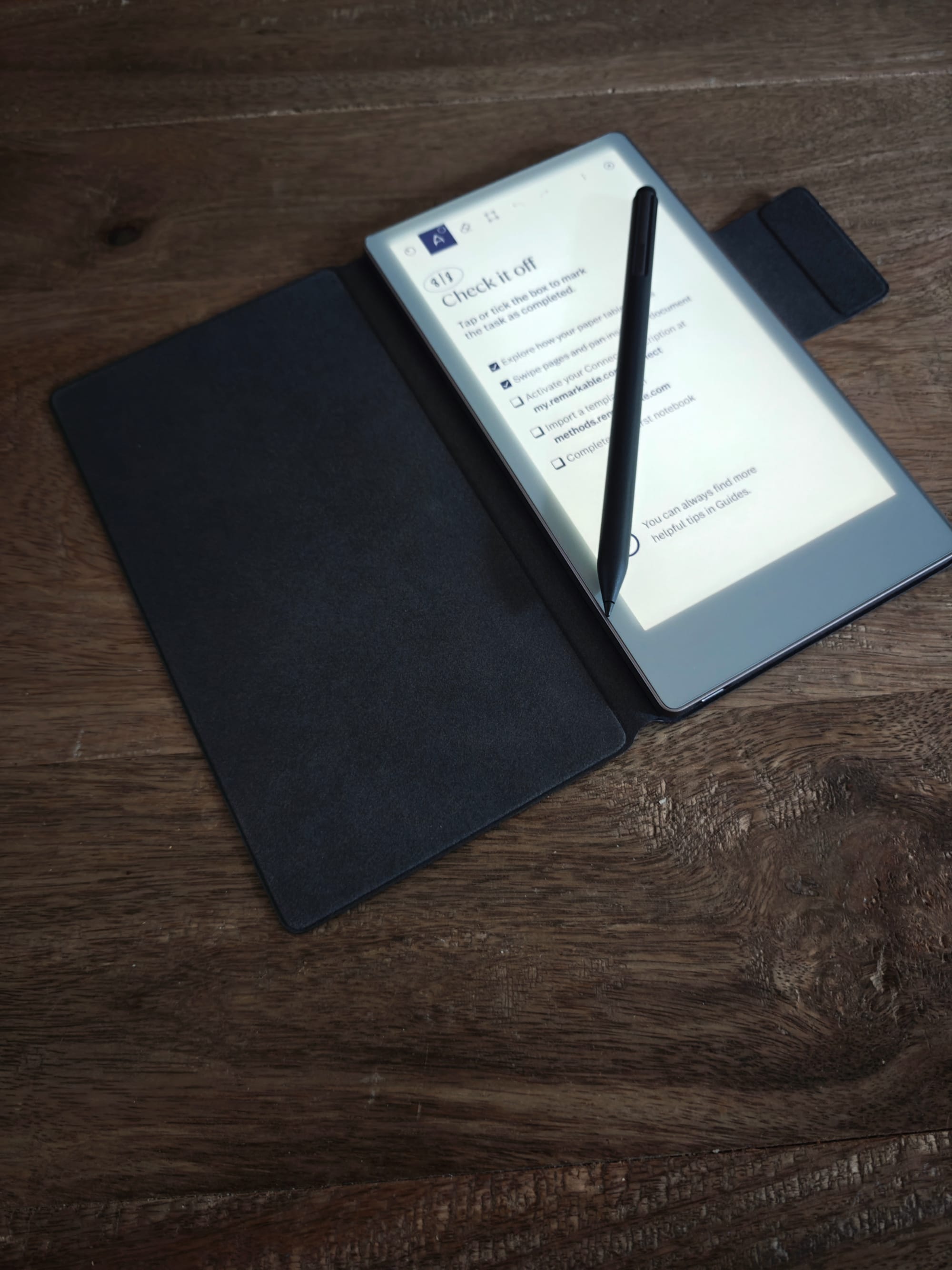
The Move is small enough to disappear in a jacket pocket and light enough to forget you’re carrying it. The 7.3-inch Canvas Colour display is muted (this is still e-ink), but you do get an adjustable front light, which helps when scribbling in dim meeting rooms.
Aesthetically, it’s understated bordering on invisible. Perfect for people who want a device that doesn’t scream “I’m definitely checking email while you talk.” If it draws any attention at all, it’ll be for the sleek design.
Practically. It would be perfect for people who often end up buried under a mountain of scrap notes.
The Move is the closest you’ll get to paper without buying… well, actual paper.
In case it’s important to you, we’ll get the speeds and feeds out of the way:
- 7.3-inch colour e-ink display
- 64 GB storage
- 2 GB RAM
- 1.7 GHz dual-core CPU
- USB-C
- Palm rejection + tilt support
- Nine-colour palette
- Battery life: a week or two, depending on how much you use the front light
READ MORE: Return of the vibrating mouse: Logitech MX Master 4 review
Writing & drawing: one of reMarkable’s undeniable strengths
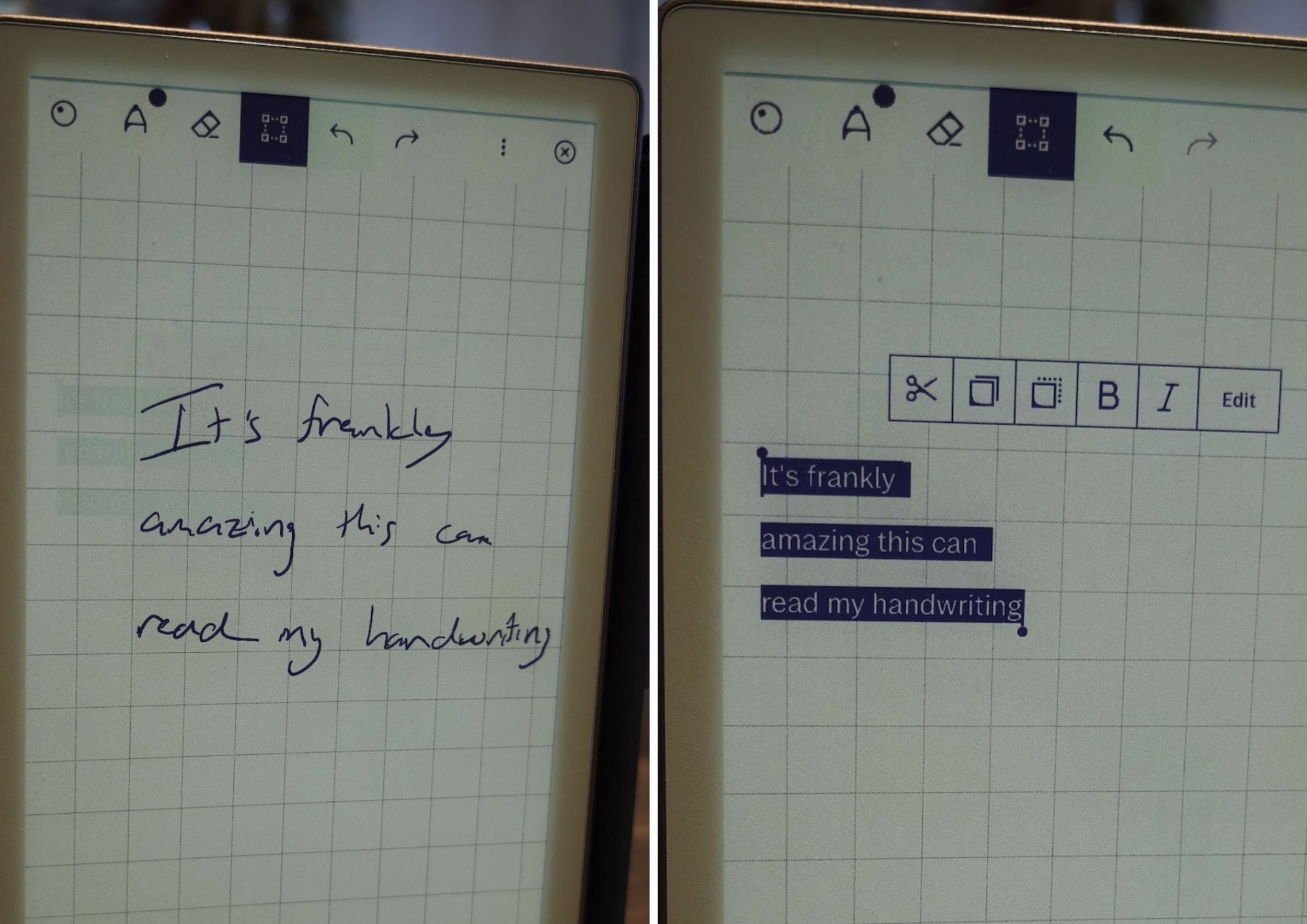
When a device has only one job, it better do that job well – there can be no compromises. I’m happy to say that the Paper Pro Move doesn’t disappoint. Writing feels excellent, latency is low, the surface texture feels right and line behaviour is predictable. You get multiple pen types (fineliner, marker, pencil, paintbrush, highlighter) and a nine-colour palette. It’s still subtle, but enough to give structure to diagrams and sketches.
And make no mistake: this thing is good for sketching. If your workflow involves diagrams, doodles, mind-maps, “thinking out loud,” or just scribbling while your brain catches up, the Move feels purpose-built.
It’s the rare device engineered to stop you from multitasking. This means, no pop-ups, no split-screen, no app bar creeping in and no “just quickly checking something” spiral. And in fact, the sparsely minimal interface ensures you get the most out of the relatively limited screen real estate.
The workflow catch: features exist… behind a subscription
There’s a caveat that people tend to gloss over (and few of us are likely to welcome it!).
To unlock the full workflow — exporting, third-party platforms, cloud sync, cross-device access — you need reMarkable Connect, which costs £2.99 a month.
With Connect you get:
- Slack, Notion, OneDrive, Google Drive, Dropbox integrations
- Unlimited cloud syncing
- Enhanced export / sharing options
- Device protection and rolling feature upgrades
Without Connect:
- No integrations
- Limited sync
- Minimal export options
- Effectively an offline notebook with a USB port
This matters because the device feels like it’s designed for a digital workflow — annotate PDFs, send notes to Slack, sync across devices, sketch ideas and drop them into Notion — but most of that capability is locked behind the subscription gate.
You can use the Move without Connect, but you’ll be working in a silo.
READ MORE: Clevetura CLVX S review: Where we’re going, we don’t need a mouse
Everyday reality: brilliant for thinking, awkward for anything else
There’s a lot to like about the Move’s form factor. It excels at:
- Notes
- Doodles
- Diagrams
- Journals
- Mind-maps
- Planning
- Scribbling clues like a tropical-island detective
But its compact size means it’s not best suited for:
- Reading large PDFs
- Annotating complex documents
- Image-heavy workflow
- Anything requiring apps
- Anything requiring speed
Anything requiring colour to look like actual colour
In short, the 7.3-inch screen is fantastic for portability, less fantastic for marking up your 84-page RFP.
Verdict: a niche masterpiece — for the right person
The reMarkable Paper Pro Move is beautifully built and brilliant at what it does. It’s the best digital notebook for people who genuinely prefer pen and paper but wouldn’t mind a bit of cloud storage attached.
But it’s hard to look past the £399 price tag (to start) for a single-purpose device with a subscription-shaped asterisk attached to its workflow.
If you're a compulsive note-taker, a diagram-first thinker, or someone who wants a pocket-sized doodle pad that will never distract you, the Move might be perfect. If you want anything else… look elsewhere.